Passive crossover simulation
Design crossovers.Anywhere.
The XSim workflow in your browser - on Mac, Windows, Linux and iPad. Live simulation with your own measurements, and an assistant that knows your circuit.
Free · Nothing to install · Your projects as .crover files
Coming from XSim
You'll feel at home – without the workarounds.
Same schematic, same measurements, same curves. Crover takes care of the parts XSim leaves to you.
What you know
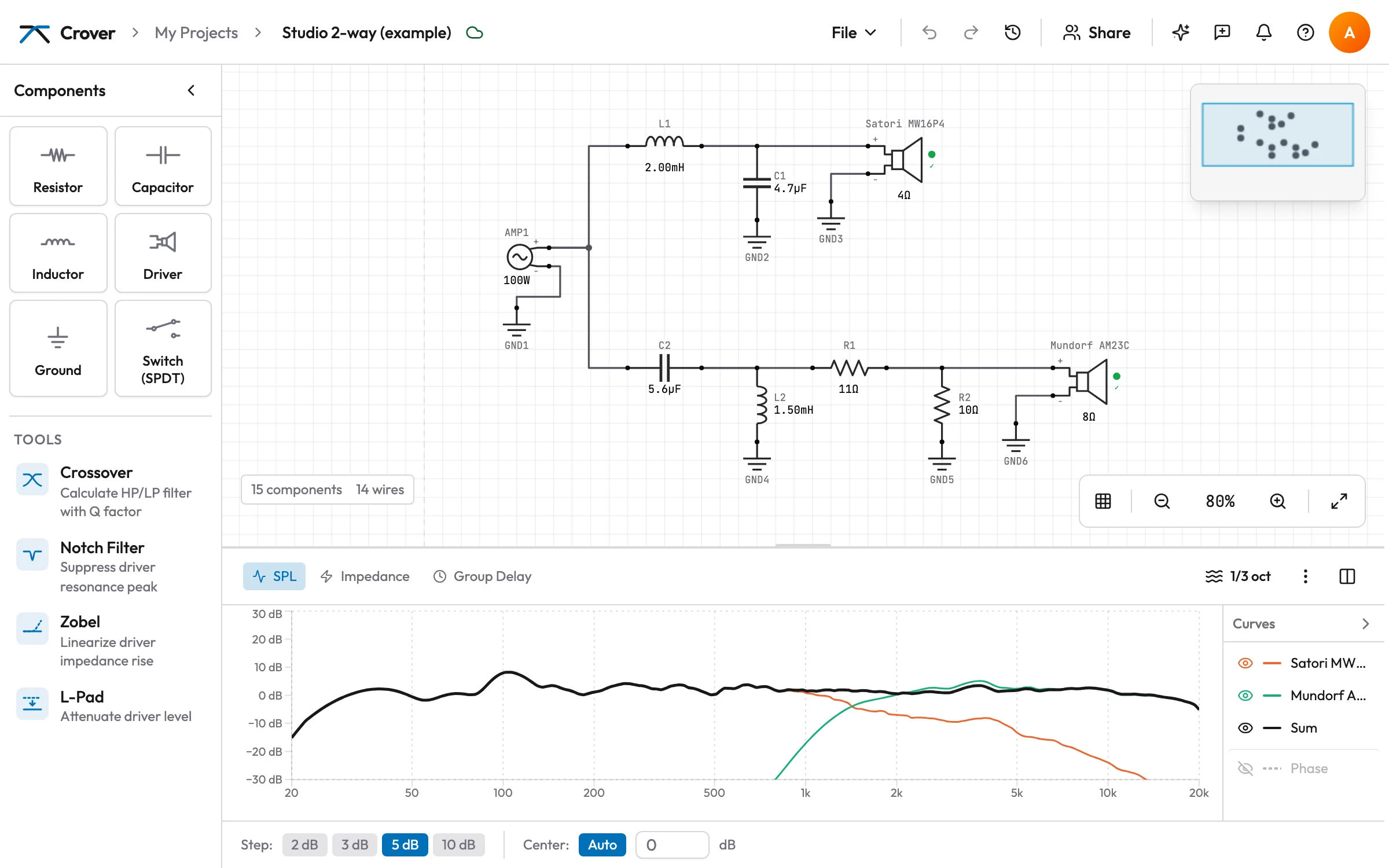
- Schematic with resistors, capacitors, coils with DCR, drivers and switches
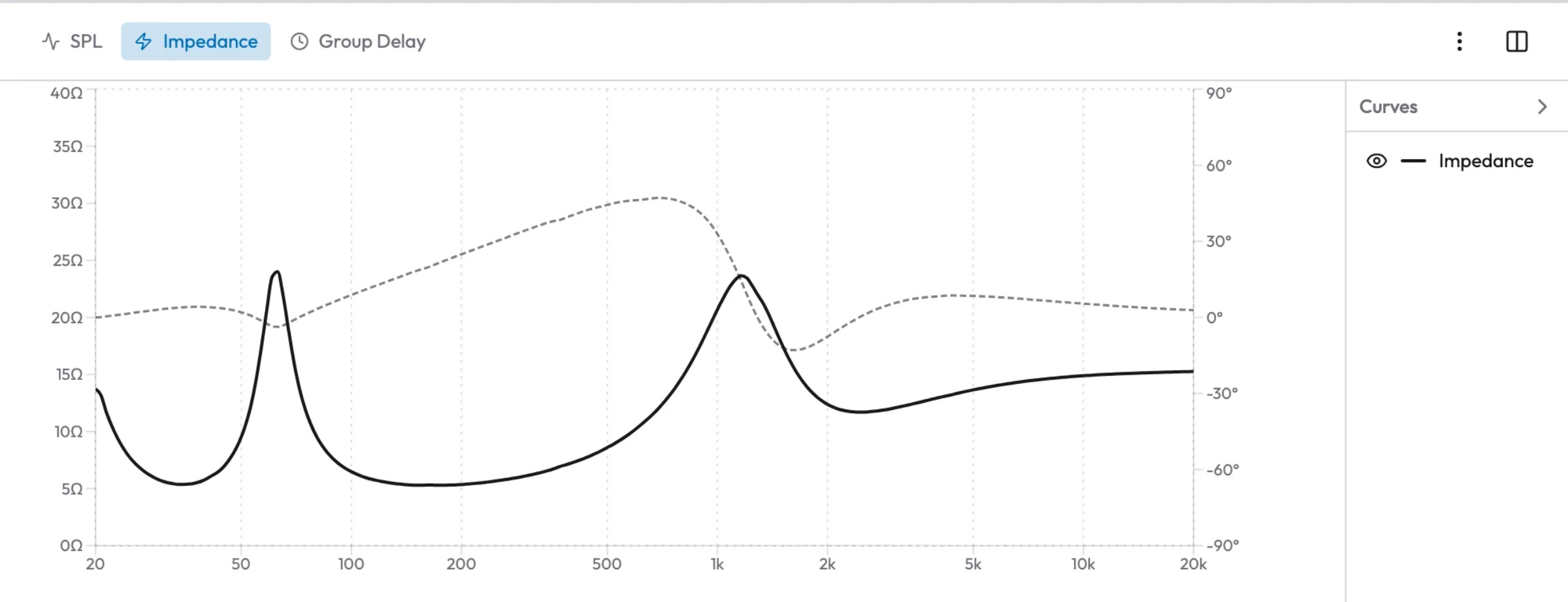
- FRD and ZMA import, straight from your measurement rig
- SPL, phase, impedance and group delay – updated while you change a value
- Arrow keys step through standard values, parts can be shorted or opened
- Resistor power ratings and a warning when the load gets too low
What XSim doesn't do for you
- Filters placed for you: high- and low-pass, notch, Zobel and L-pad are calculated and wired to the driver, with a preview of the real curve
- It knows where the phase comes from – measured or derived, per driver – and never counts the offset twice
- Nothing gets lost: versions, a history per part, and single changes you can take back
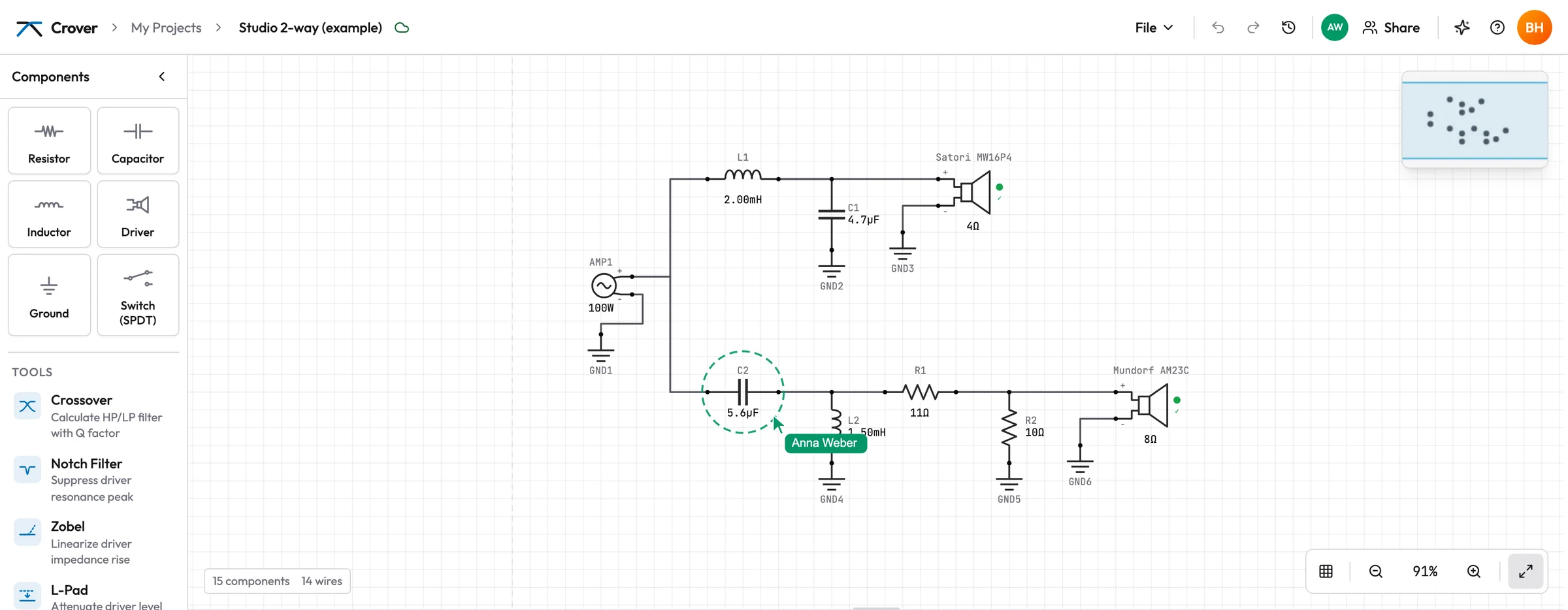
- Work on one crossover together: share a link, see who is in, changes arrive live
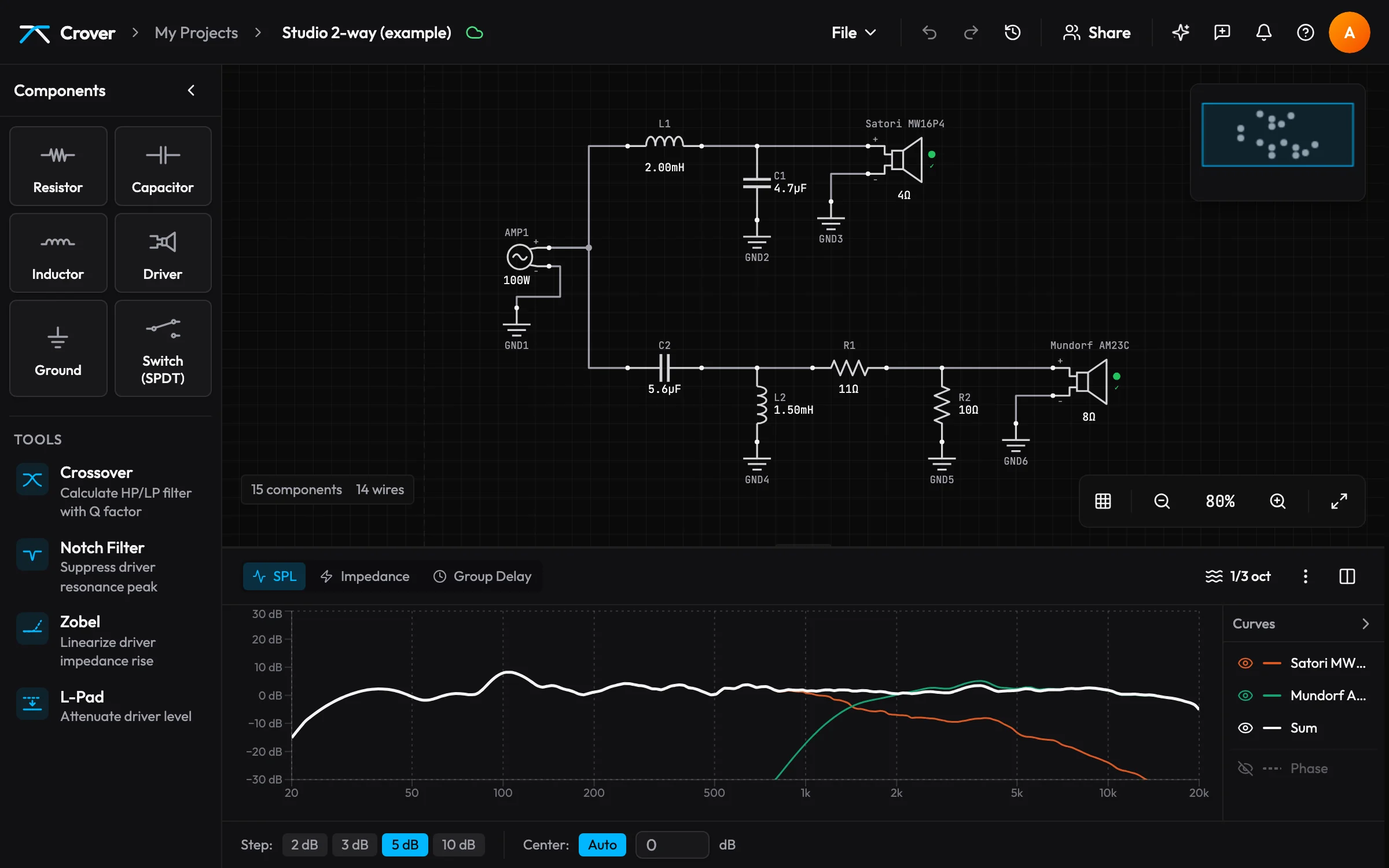
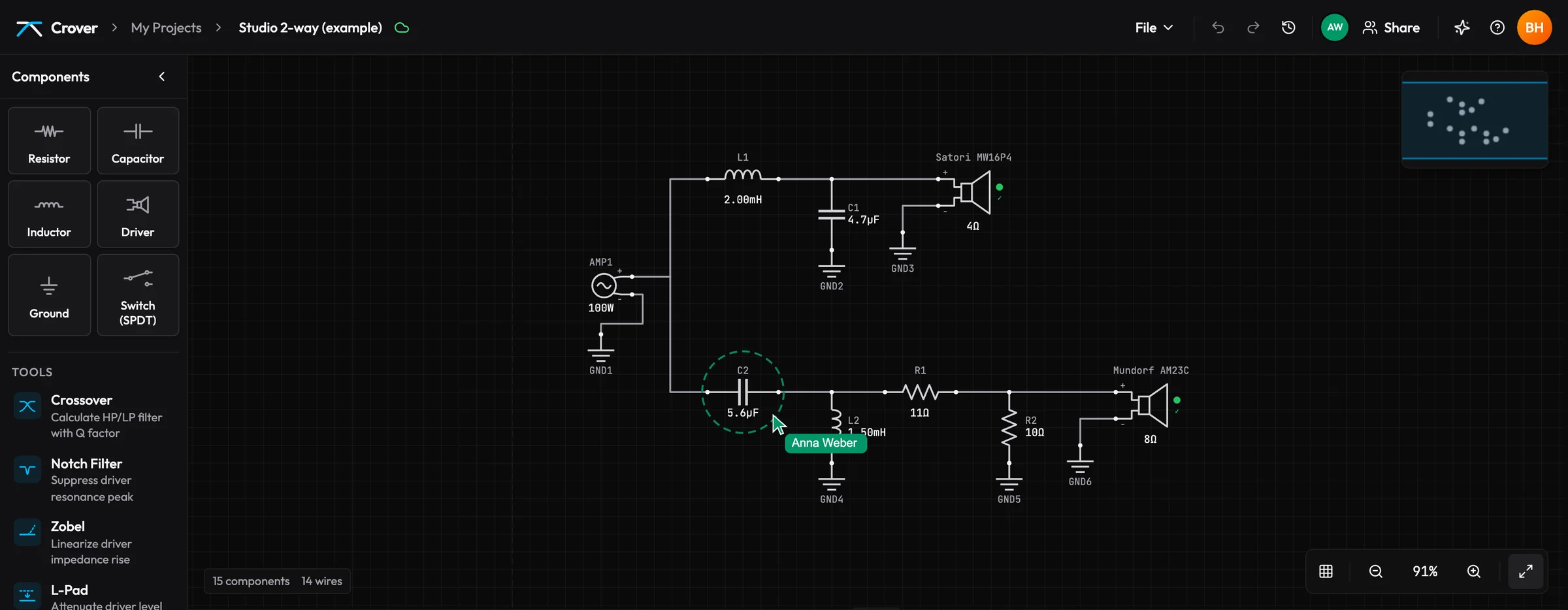
- A clean, modern editor in light and dark – warnings take you straight to the part
AlphaNew: plan the box right next to the crossover – sealed, vented, passive radiator or bandpass from the driver's T/S. Until you have measured, the crossover can work with the estimated curves. Your first box
BetaNew: tune the crossover automatically – a 2-way suggestion from your driver data, with fixed protection rules for tweeters and amplifiers. You compare it and adopt it only on a click. How it works
Tuning
Change a value. Watch the sum.
Select a part and step its value with the arrow keys - E24 for resistors, E12 for capacitors and coils - so every step is a part you can buy. The simulation follows as you go, no calculate button.
- Series and parallel parts, all on real E-series values
- Power per resistor, so you know which ones need 10 W
- Undo for every step, including the assistant's


Assistant
Ask your crossover.
The assistant sees your schematic, your measurements and the simulation. Ask why the sum rises at 4 kHz - it looks at each driver, tries values on a copy of your circuit and tells you what it found.
- Knows your circuit
- Parts, drivers, FRD and ZMA data and the current simulation - no copy and paste.
- Tries before it suggests
- What-if simulations with before and after curves, impedance checked.
- You decide
- Changes wait for your approval, are marked on the canvas and undo in one step.
- Your key, your provider
- OpenAI, Anthropic or Mistral. The key is stored encrypted in your browser.
In the works: hand it your drivers and a target, and let it optimise the whole crossover.


Anywhere
At the desk. At the listening chair.
Crover runs in the browser on Mac, Windows, Linux and iPad. Draw the crossover at the desk, take the iPad to the listening position and try the next resistor value there.
- Free to use
- Projects as .crover files, measurements included
- Every change saved as you work, live on all your devices


Together
Build it together.
Share a project with a link and work on it at the same time – a friend with the measurement rig, a forum helper looking at your crossover, or just you on the laptop and the iPad.
- Share with a link
- Can edit or can view, revoke any time. Changes appear on everyone's screen as they happen.
- See each other
- Who is in the project, where their pointer is and which part they have in hand.
- Show, don't describe
- Click someone to follow their view – “Look, this capacitor here” just works.
- Nothing gets lost
- Every change with who made it, the history of each part, daily versions to go back to.
Free, no sign-up
Calculators and guides
Starting values from the formulas, and how to get measurements that make a simulation worth it. Every calculator result opens as a project in Crover.
Your next crossover starts here.
Built by a speaker builder, for the DIY community.